Whether you are revamping your old website or building a brand new one, choosing the right theme is the first step that you take towards its success. A well-structured and professionally designed theme not only enhances your website’s visual appeal but also improves its Google rank. When you search for WordPress themes on Google, you will come across thousands of options claiming to be the best. However, not all these themes are good for your website.
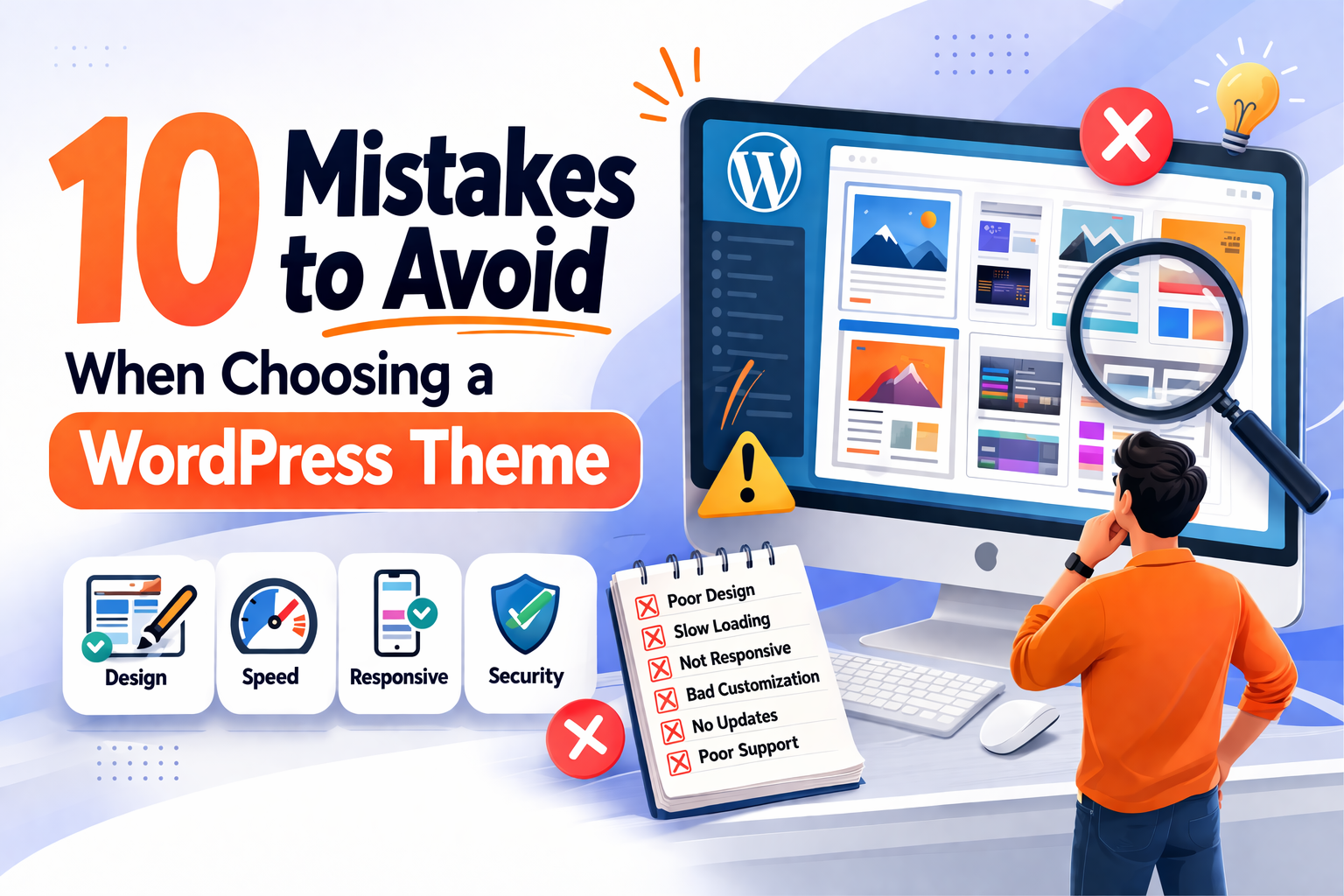
Remember, a bad WordPress theme slows down your website, affects user experience, and Google rankings. That is why you need to be careful while picking up a WordPress theme for your website. There is no rocket science behind selecting a WordPress theme. All you need to do is to avoid some common mistakes.
In this article, we have 10 common mistakes to avoid when choosing a WordPress theme for your website.
Mistakes to avoid when choosing a WordPress theme
We have prepared a checklist for the areas that you must not miss during your search for a suitable theme. The checklist mainly pinpoints the things that are generally ignored and lead to major issues in the future. Let’s dive in.
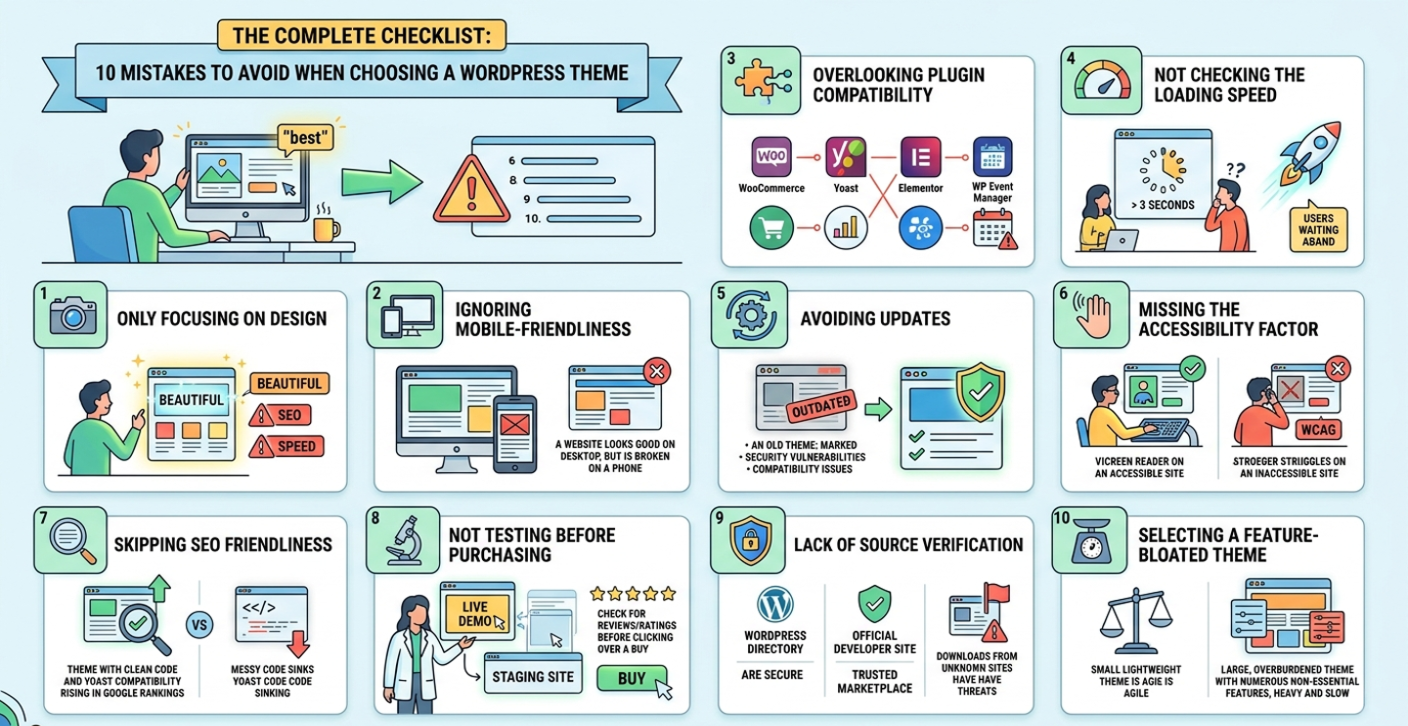
1. Focusing only on the design
It is true that the theme you choose determines the overall look of your website, but choosing a theme solely based on its designs is certainly not a good idea. A theme that looks stunning may lack SEO friendliness, functionalities or not properly optimized for speed. That is why you must go for a theme that not only looks professional but also rich in features, SEO friendly and offers good speed.
2. Ignoring mobile friendliness
Mobile devices have become an inseparable part of human life so if you want to gain visibility for your website, your theme needs to be mobile friendly. This means the visual quality should not be affected if the website is viewed on mobile phones. A WordPress theme that looks stunning on desktops but does not offer the same visual satisfaction on mobile is of no use.
Make sure you examine your theme for responsiveness with Google’s Mobile-Friendly test or have a preview of it on multiple devices before finalizing.
3. Overlooking plugin compatibility
WordPress plugins enhance your website’s features and functionalities, and you can add them as per our business requirements. However, not all themes work well with every plugin and it is also difficult to determine that the theme you choose will be compatible with the plugins you use. So what is the solution?
Well, you need to ensure that the WordPress theme you use on your website is compatible with major plugins that include the following:
- WooCommerce, to sell products on your website.
- Yoast SEO for search engine optimization.
- WP Event Manager, if you have an events’ website.
- Elementor, for a drag and drop designing facility,
This will solve a major part of your website’s theme compatibility issues.
4. Not checking the loading speed
Website visitors would not take a moment to switch to your competitors’ website if your website takes more than 3 seconds to load. As the human attention span is getting shorter, you need to ensure that your website also works accordingly. So using a slow-loading WordPress site can be disastrous as it will affect your SEO rankings, hurt user experience and ruin business reputation.
It is crucial to avoid themes that are loaded with animations, bulky and poorly written codes. They significantly reduce your site speed. You can use tools such as Google’s Page speed insight to track a theme’s performance before buying it.
5. Avoiding updates
Don’t forget to check the details of plugin updates as an outdated theme can pose serious security risks and create compatibility issues on your website. Make sure to verify the following things:
- When the theme was last updated.
- Check its compatibility with the latest version of WordPress.
- If developer’s support is available.
A regularly updated theme guarantees high performance and better security.
6. Missing the accessibility factor
Website accessibility is no longer considered as an added advantage for businesses. It has become a necessity for all as it highly enhances audience reach. An accessible website allows people with certain disabilities to go through your website without any obstacle. When it comes to choosing a WordPress theme, ensure that you go for the one that follows Web Content Accessibility Guidelines (WCAG), offers accessibility functionalities such as screen reader compatibility, color adjustment facility etc.
7. Skipping SEO friendliness
If you want to boost your visibility online, you can not skip the SEO part when choosing a WordPress theme. A poorly coded theme affects your SEO rankings. To avoid this, you need to have a theme that offers the following qualities:
- A theme that has faster loading time.
- Developed with a clean coding structure.
- Works well with a good SEO plugin like Yoast SEO.
8. Not testing before purchasing
One of the biggest mistakes that users make while choosing a WordPress theme is that they don’t test it before purchasing.
Be sure to check the following things before purchasing:
- Live demo
- Test the theme in a staging site.
- Check online reviews and ratings to get an idea about its usage.
9. Lack of source verification
Not verifying the source is another common mistake that most users make. It can cause serious security issues. So ensure that you download your preferred theme from a reliable source.
Here are the places from where you should download your themes:
- WordPress themes directory.
- The official website of the theme developer.
- Well known and trusted theme marketplaces.
Downloading themes from such places tightens your website security, guarantees regular updates, and keeps your website safe from potential threats.
10. Selecting a feature-bloated theme
Features definitely add advantages to a theme, but too many unnecessary features can adversely affect its quality. Themes overloaded with features like built-in sliders, page builders, or short codes can slow down your website and affect its overall performance.
That is why you must opt for a theme that is light weight and contains only essential features.
Pro tip: Considering all the above mentioned points, we recommend WP Event Manager premium themes for WordPress event websites. These themes are light-weight, SEO friendly, supports WooCommerce, comes with responsive designs and offers cross browsing support. The best part is, they are compatible with WP Event Manager premium addons. Explore the premium themes now!
Wrapping up
We hope that the list of common mistakes to avoid when choosing a WordPress theme will help you find the best for your business website. For event websites, we have suggested WP Event Manager as it carries all the necessary feature that a good event theme must have.
The post 10 Mistakes to Avoid When Choosing a WordPress Theme appeared first on WP Event Manager.





0 Commentaires