Accessibility and inclusion are the terms that the event industry is getting inclined towards. Events bring opportunities for networking, career and professional development. However, some events unintentionally exclude participants due to insufficient accessibility planning.
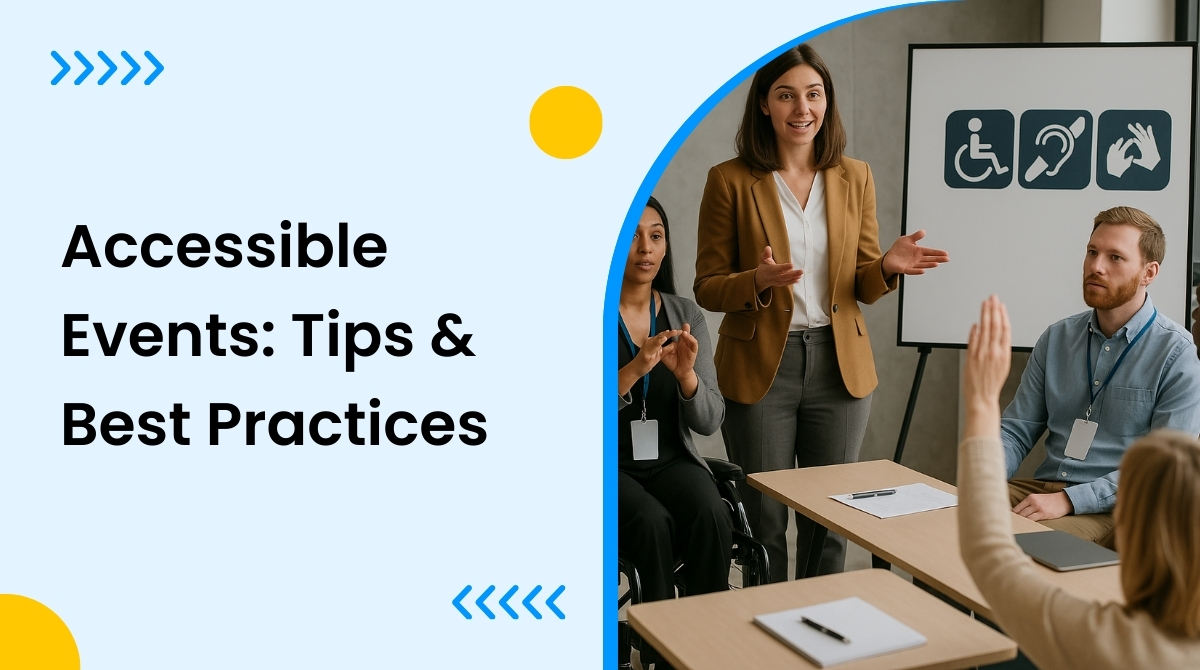
Creating accessible events requires proper planning that carefully addresses the needs of all attendees, including those with certain disabilities. Organizing such events indicates that your company values everyone, which ultimately increases business value and credibility. Besides this, it will also help you stand out and stay ahead of your competitors.
Whether you are organizing a small office conference or a huge concert, ensuring event accessibility and inclusion is a must for all types of events, including in-person, virtual, or hybrid.
In this article, we have shared a detailed guide on event accessibility with useful tips and best practices. Read on to find out the details. Let us begin with a brief introduction to the concept of event accessibility.
What is event accessibility?
The term event accessibility signifies the practice of organizing events that ensure everyone, including people with diverse needs and certain disabilities, actively participate, engage, and experience the event just like anybody else. In such events, special arrangements are made for these special guests to make sure their difficulties do not become a barrier when it comes to consuming the event content.
Some event accessibility examples include finalizing wheelchair friendly venues, accessible seating and restrooms, a screen reader friendly registration form, captioned videos for online events, having sign language interpreters, and more.
Why accessible events matter?
Event accessibility carries a “feel good” factor as it always promotes inclusion and gives everyone the scope to take part and enjoy an event content fully like everyone else. WHO (World Health Organization) says more than 15% of the global population has some sort of disability. So not organizing accessible events means limiting your event’s audience reach.
Here’s why event accessibility matters:
- It offers equal opportunity to everyone to participate in an event.
- Improves brand reputation.
- Impresses attendees and ensures better attendee experience.
- Wider audience reach.
- Increase ROI or return on investment.
- Supports social responsibility.
- Eliminates legal risks as in some countries event accessibility is covered in legal requirements.
The above mentioned benefits clearly demonstrate the need for accessible events but how to create them? Let us discover that in our next segment.
How to create accessible events?
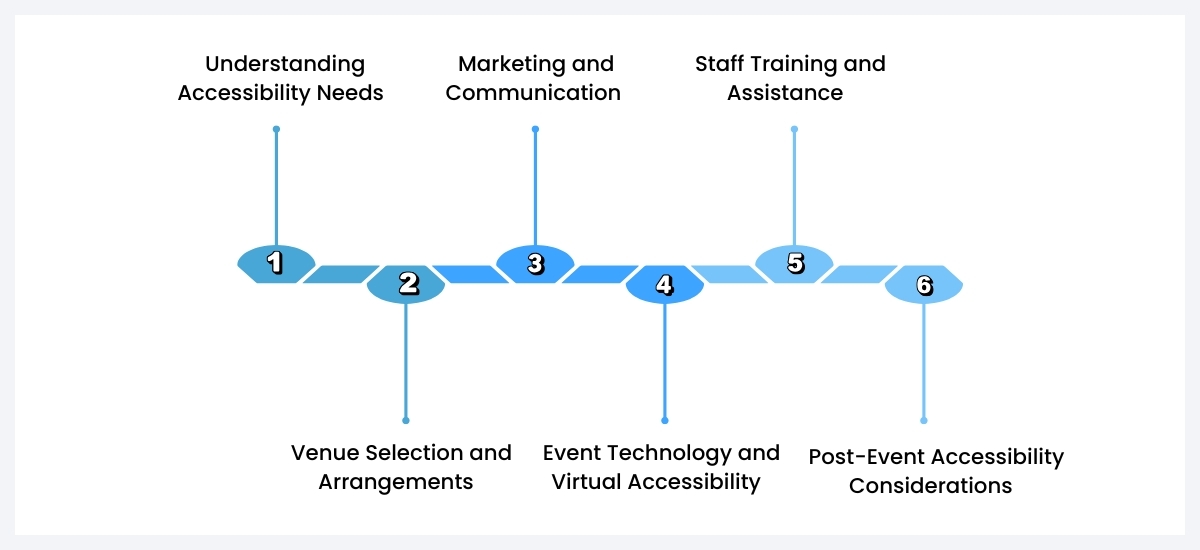
1. Understanding Accessibility Needs
The first step to create accessible events is to understand the accessibility needs. Accessibility needs are categorized in two terms: Physical disabilities and invisible disabilities. Physical disabilities include a person’s difficulty in movement, hearing or vision, whereas invisible disabilities are not always noticeable like mental health, neurodivergent states etc.
- Study your attendees in advance: While creating the registration form of your accessible event, make sure to include questions about accessibility needs. Clearly ask registrants if they need wheelchairs, sign language interpreters, listening devices or any such arrangements from your side.
- Join hands with disability advocacy group: You can seek help from such groups to understand the diverse needs of these people to make arrangements in your event accordingly.
2. Venue Selection and Arrangements
Selecting the right venue is crucial to create an accessible event. Here are the things you need to consider while selecting a venue that is suitable for all people.
- Make sure the availability of wheelchairs, elevators, special bathrooms, ramps etc in the venue. Check the flooring and doorways to ensure smooth walking space.
- Carefully check the display boards in the event venue to find out if they have clear fonts with contrasting colors to help attendees with visual and neurodivegent issues. Prioritize the signs of toilet, entry, exit, bar etc.
- Scrutinize your seating arrangements to determine if it is comfortable for attendees with mobility devices.
- The lighting needs to be examined as well to ensure that it is suitable for people with low vision
3. Marketing and Communication
Working only on the event content to make an event accessible to everyone is not enough. Event marketing messages and communication also need to be clear to them.
Consider the following points to make your event marketing and communication easily comprehensible to everyone:
- Work on event materials: In order to reach wider audiences through promotion, you need to ensure that your marketing materials like content, invites etc are easily understandable by all. You can begin with a simple and clear registration form with clear fonts and simple steps. Dont forget to add a specific form field for special requirements in your registration form.
Note: The Registration add-on from WP Event Manager allows you to create a customizable registration form in which you can add your preferred form fields.
- Use eye catchy color combination in the content, provide video caption and choose contrasting colors in your prints. Learn skills to make your event marketing content accessible.
- Stick to simple and jargon free language so that people with cognitive disabilities and those who do not use English as first language can easily get the content.
- Simplify communication with support: Add language interpreters and instant captioning facility to your marketing material to make it easy for everyone with special needs to understand what they can expect in the event.
4. Event Technology and Virtual Accessibility
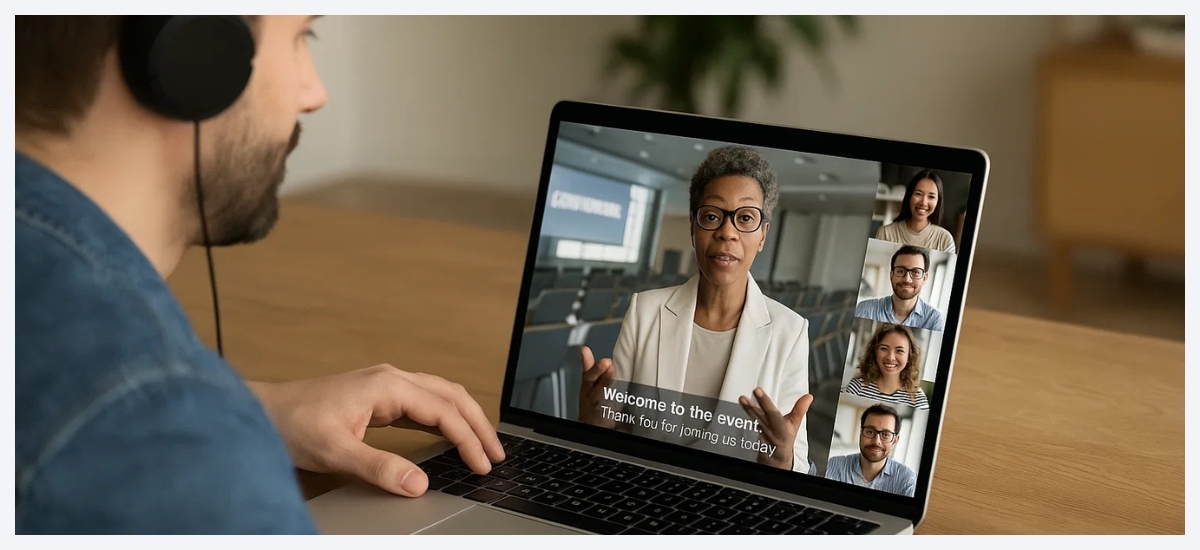
When it comes to virtual events, technology plays a major role in making your event accessible to all attendees.
- Video content accessibility: to make all your video content comprehensible to attendees, add subtitles, captions and sign language to them.
- Platform accessibility: If you are using a virtual event platform then make sure that it is screen-reader friendly and also supports other assistive technologies. Though Zoom and Microsoft teams offer this feature but it is always better to check in advance.
- Sigh language interpreters: It will be really helpful for your attendees with hearing issues to participate in your event, if you have a sign language interpreter in it.
- Event recording: Recording all your event session allows attendees to access the content whenever they want after the event. This helps the attendees who takes time to read and understand information.
5. Staff Training and Assistance
Besides all the above mentioned arrangements, you also need to train your staff to make them comfortable with attendees with disabilities.
You can train your staff in the following areas:
- Disability awareness training: Teach your staff or hire a team to train them about disability awareness. This will make it easy for them to attend people with special needs in your event.
- It is also important to train them on guiding such attendees to the right places during the event and also communicate well to answer their queries.
6. Post-Event Accessibility Considerations
Helping all your attendees access the pre- and in-event content does not complete your responsibilities. Post event accessibility should also be taken into consideration.
- Post event content accessibility: Record all your event sessions for these attendees and ensure they have proper subtitles, captions and sign language interpretations.
- Collect feedbacks from them through surveys that are accessible to everyone. This will show you ways to improve your future events and make them more accessible.
Pro tip: For all types of events, use a reliable tool like WP Event Manager to automate and simplify tasks.
Wrapping up
Event accessibility and inclusion is all about making your event content understandable to everyone, including people with special needs. Starting from arranging wheel chairs to screen reader friendly platforms and having sign language interpreters, everything plays a crucial role in ensuring event accessibility. In addition to that, the support of a WordPress plugin like WP Event Manager makes the management process even better and easier.
The post How to Create Accessible Events: Tips & Best Practices appeared first on WP Event Manager.


0 Commentaires