Event registration is the first step that attendees take to show interest in your event, and the registration form is the first thing that they interact with, which can simply make or break the deal. You might have stellar speakers, an impressive agenda, and a substantial budget for your event, but a messy and lengthy registration form can ruin everything because you never get a chance to build a first impression.
There is a story behind every abandoned event registration, which clearly indicates that a person might be interested in your event but not enough to complete the registration form. Studies show that almost 68% of users abandon the registration form midway due to complexity and poor design.
If you are facing the same and struggling to drive more sign-ups for your events, you need some effective registration form hacks. In this article, we have unveiled some useful registration form hacks that will help you increase signs for your events remarkably.
Let us discover how you can turn hesitant visitors into confirmed attendees with registration form hacks.
Key elements of event registration
There are certain event registration elements that need to work together to maintain a smooth event registration flow. That is why it is crucial to know about these registration elements even before the registration form hacks. Let us understand them.
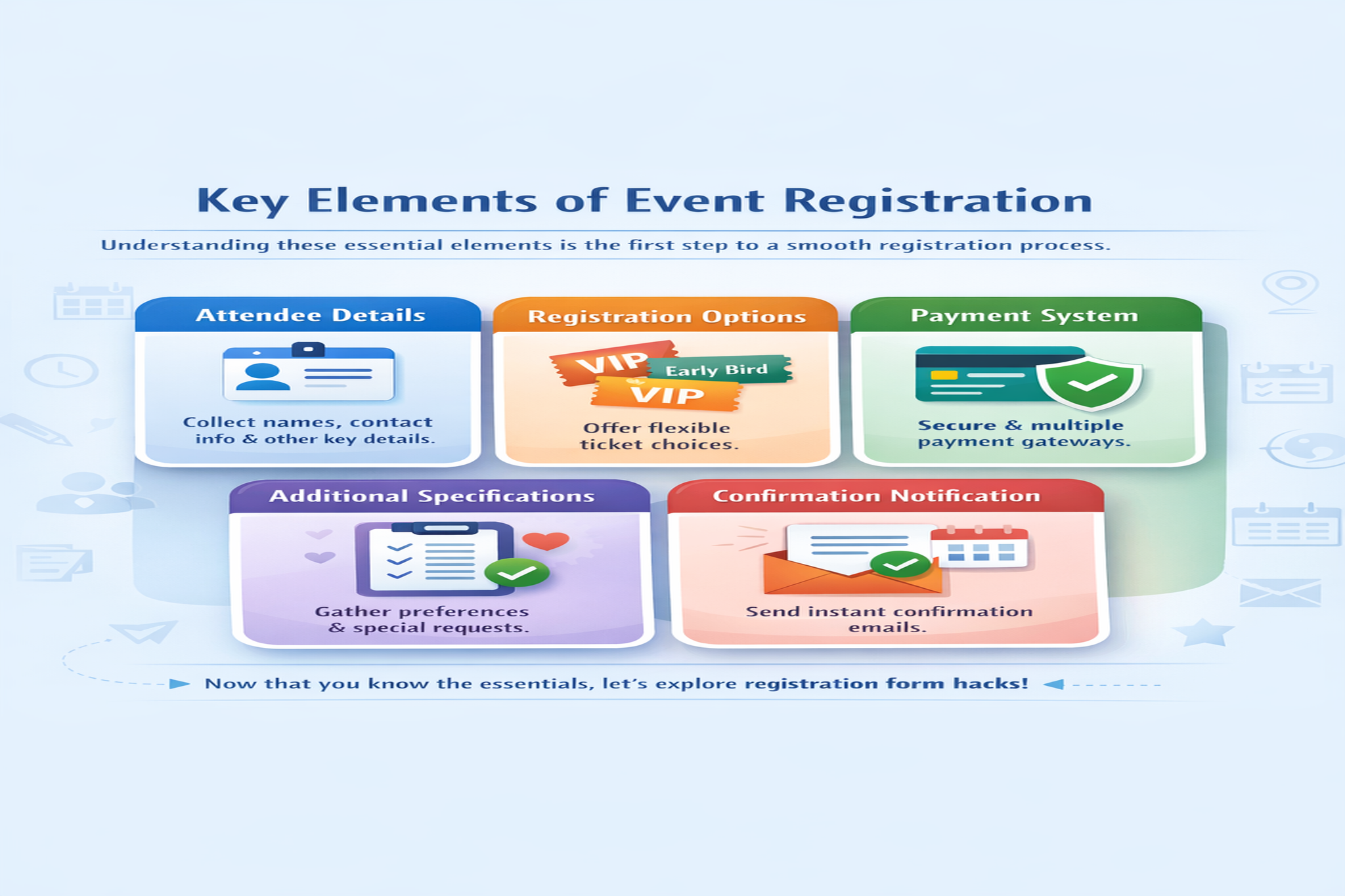
- Attendee details: The details you collect from your attendees during registration is one of the crucial elements of the entire process. It includes the basic attendee details such as name, address, contact details and other additional information that you want to collect from them.
- Registration option: Offer ticket choices to your attendees to make the process flexible. For example, you can provide discounted tickets for early buyers, group passes, VIP tickets etc to help your attendees find the most suitable one for themselves.
- Payment system: Your ticket payment system is an inseparable part of your event registration. Make sure you offer multiple payment gateways with 100% security. Above everything, the process needs to be fast, simple and short.
- Additional attendee specifications: This is also a part of attendee details in which you can include some form fields that help you deliver personalize event experience. For example, you can add additional fields to collect dietary preferences , if an attendee is interested in matchmaking or networking etc.
- Confirmation notification: Conference email messages are absolutely necessary to ensure that attendees do not feel confused at any stage of the process. Make sure you send confirmation message to attendees once they complete the registration process. In addition to that, you can also notify them about the dates and details of the event including venue, ticket details, event reminders, post event feedback and more.
Now that you are aware of the crucial elements of event registration, let us discover registration form hacks.
Event registration form hacks to increase sign-ups
As mentioned earlier, your event registration form plays a pivotal role in making or breaking the registration number. Sometimes, people even after having interest in the event, step back midway due to an over complicated and long event registration form.
Avoid abandoned registration with the below mentioned registration form hacks:
1. User friendly registration interface
A hassle-free event registration not only creates a lasting first impression among attendees but also drives more sign-ups for your events. Switching multiple pages, adding too many details just to fill up a long registration form, often turn off users. Here comes the need for a well designed registration form with limited fields.
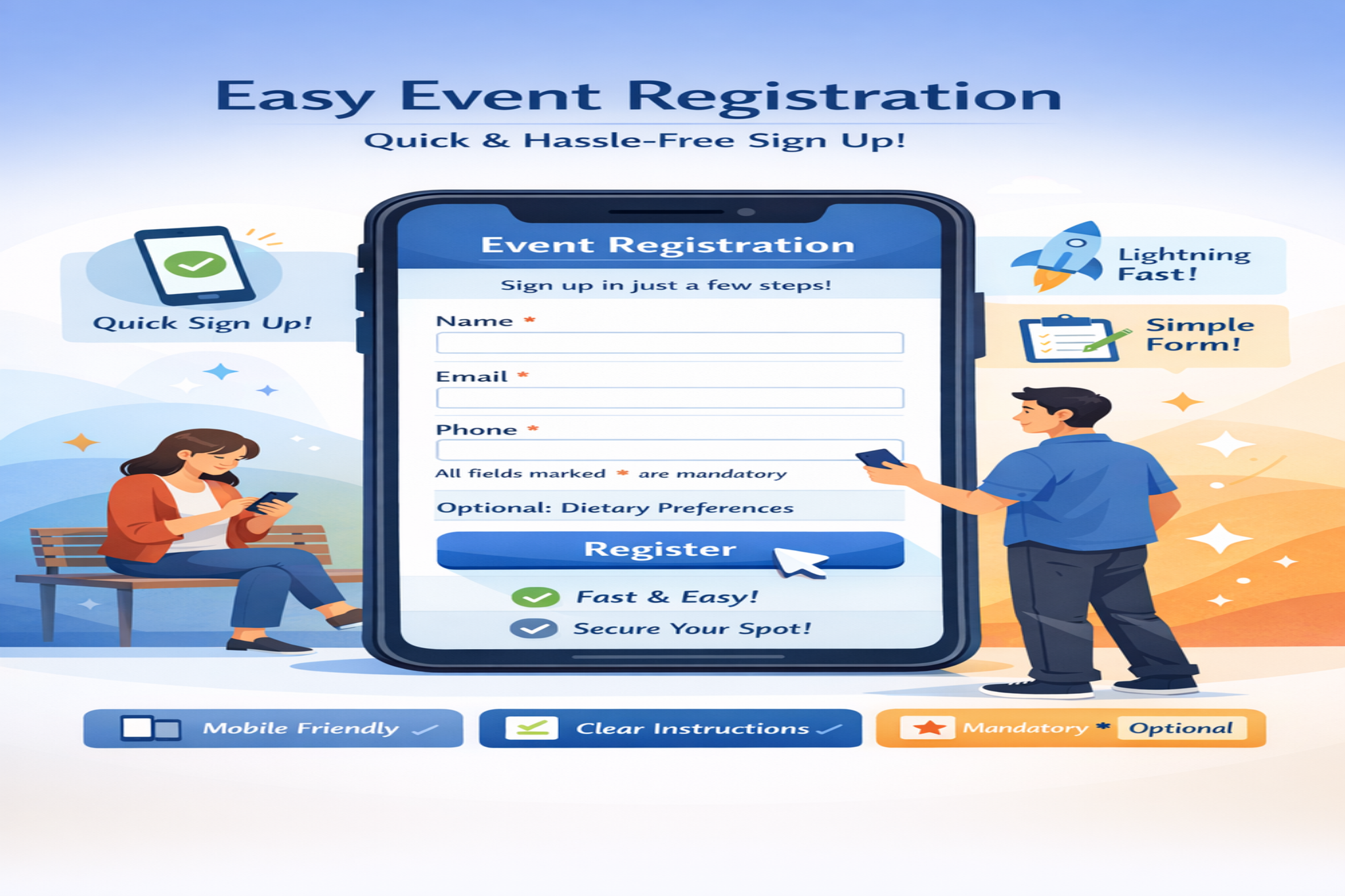
Consider the following registration form hacks to create a user friendly registration interface:
- Make sure that the registration form you create is mobile friendly because most users are likely to access and fill up the registration form through their mobiles.
- Fast loading time along with clear navigation across devices is also crucial.
- Instead of creating a long registration form with unnecessary questions, add only the basic and specific ones that you think is necessary to make the process fast and concrete.
- Use clear instructions in your registration form. For example for mandatory fields mention mandatory and for optional fields mention optional. This is because no one wants to receive an error message after completing a registration form thoroughly.
2. Confirmation email automation
As mentioned above, confirmation emails are a crucial event registration element, but handling it manually is certainly not a good idea. Skipping one confirmation email can create a negative impact on attendees. That is why adopting email automation is recommended as it helps you stay consistent with your event updates.
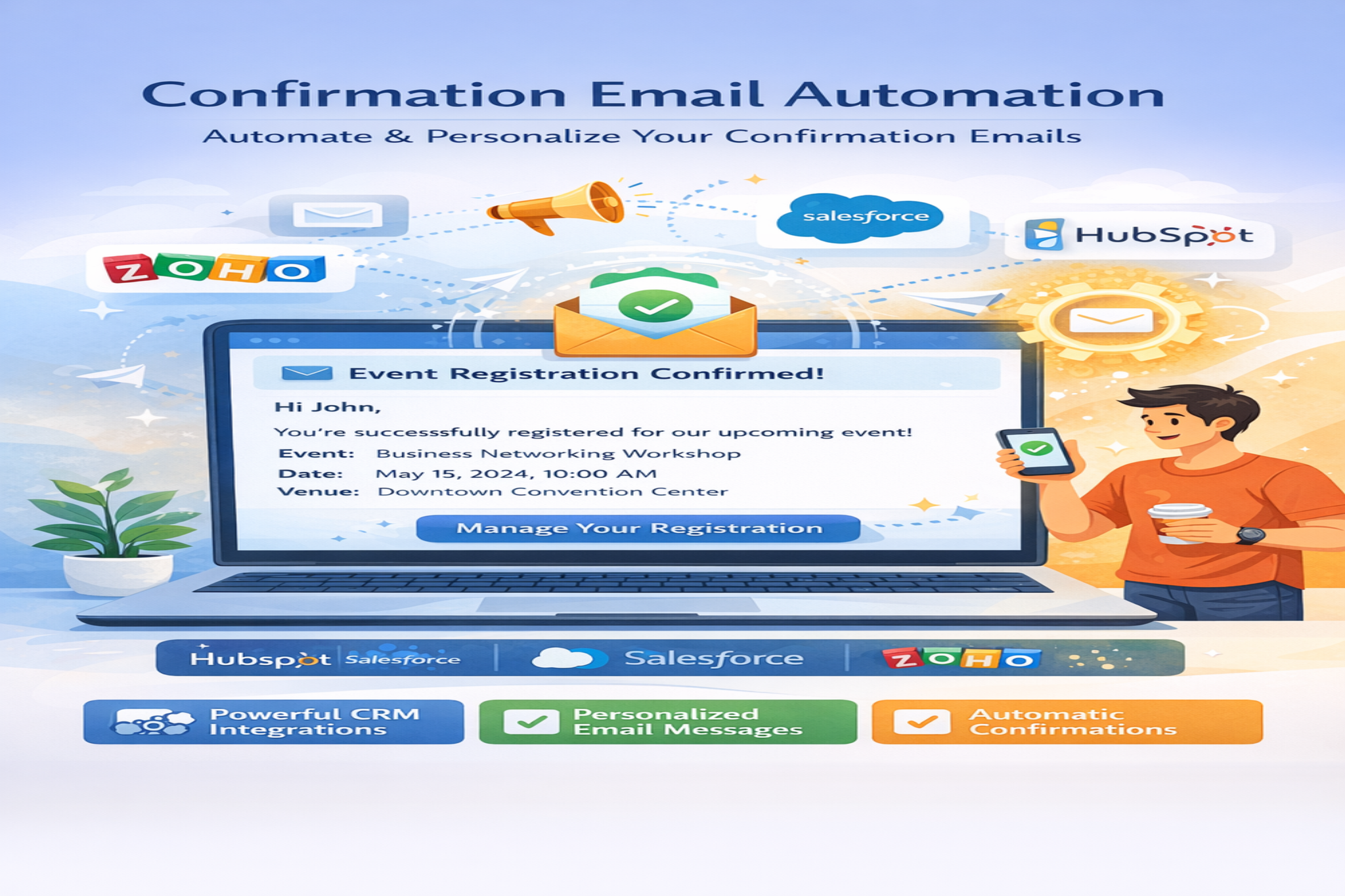
Here are some registration form hacks to automate email confirmation:
- Use the right tools for email automation. For example the marketing addons of WP Event Manager including Salesforce CRM, Hubspot CRM, Zoho CRM etc not only automates email marketing but also syncs your attendee data for better management.
- Make sure the tool you choose allows you to customize email messages as per your requirement.
- Using personalized email messages does make a difference.
3. Personalized registration experience
Personalization adds a “WOW” factor to your attendee journeys with you. To offer your audiences a personalized registration experience, you can divide them into multiple categories and create forms for each category, avoiding unnecessary questions.
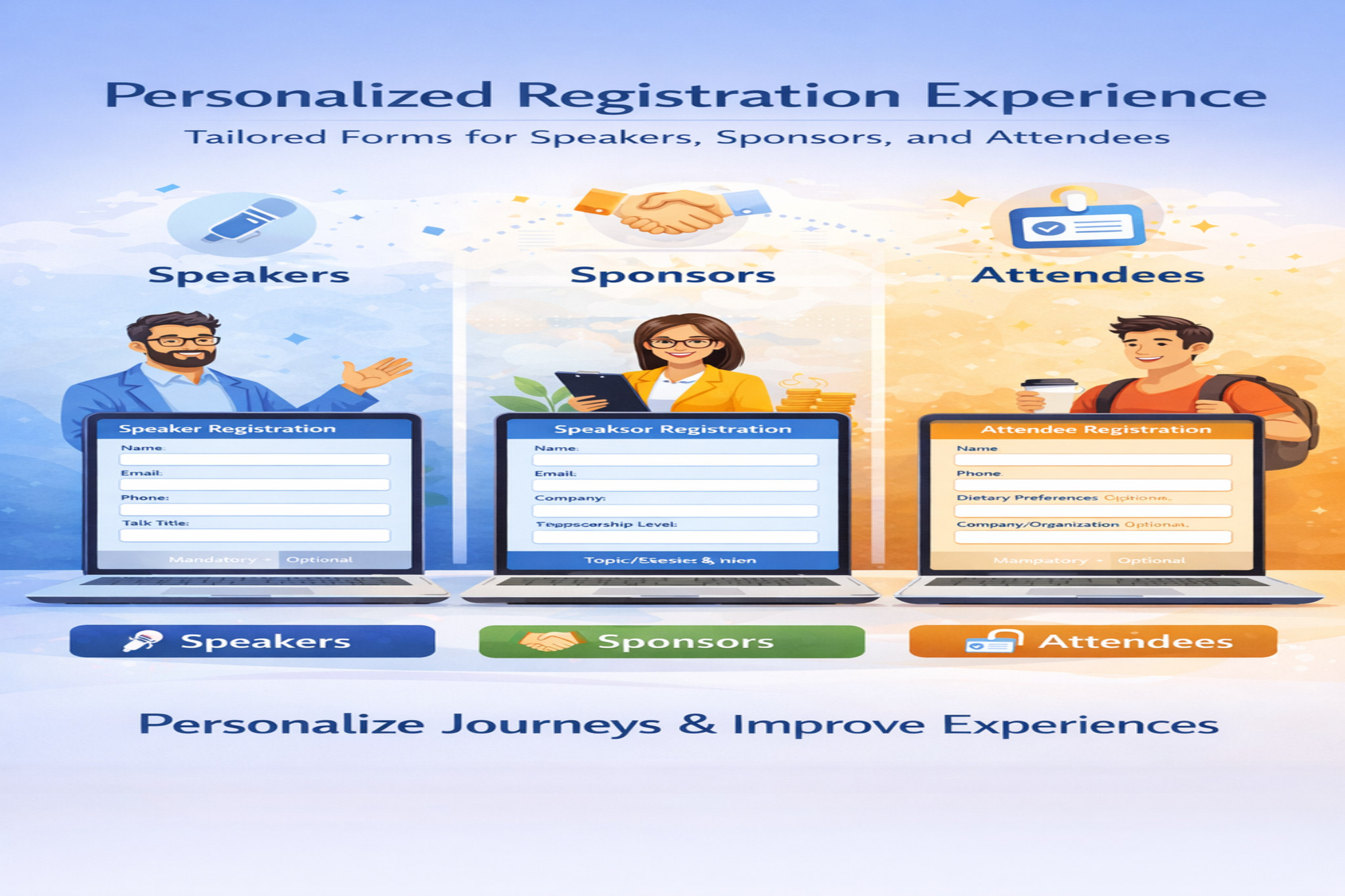
For example, you can create different registration forms for your speakers, sponsors, and general attendees. This can be easily done by customizing the form fields in each category form. Choose and add fields to the forms based on suitability for each role.
This will help you tailor event experiences for your attendees and participants based on their interests.
4. Prioritize data security
Ensuring security is not just a registration form hack but also a necessity, especially where online transactions are involved. While registering for an event attendees provide their personal and payment details, which always bears a risk of being misused on online platforms. That is why, as an event organizer, your priority should be ensuring data safety for your attendees and building trust.
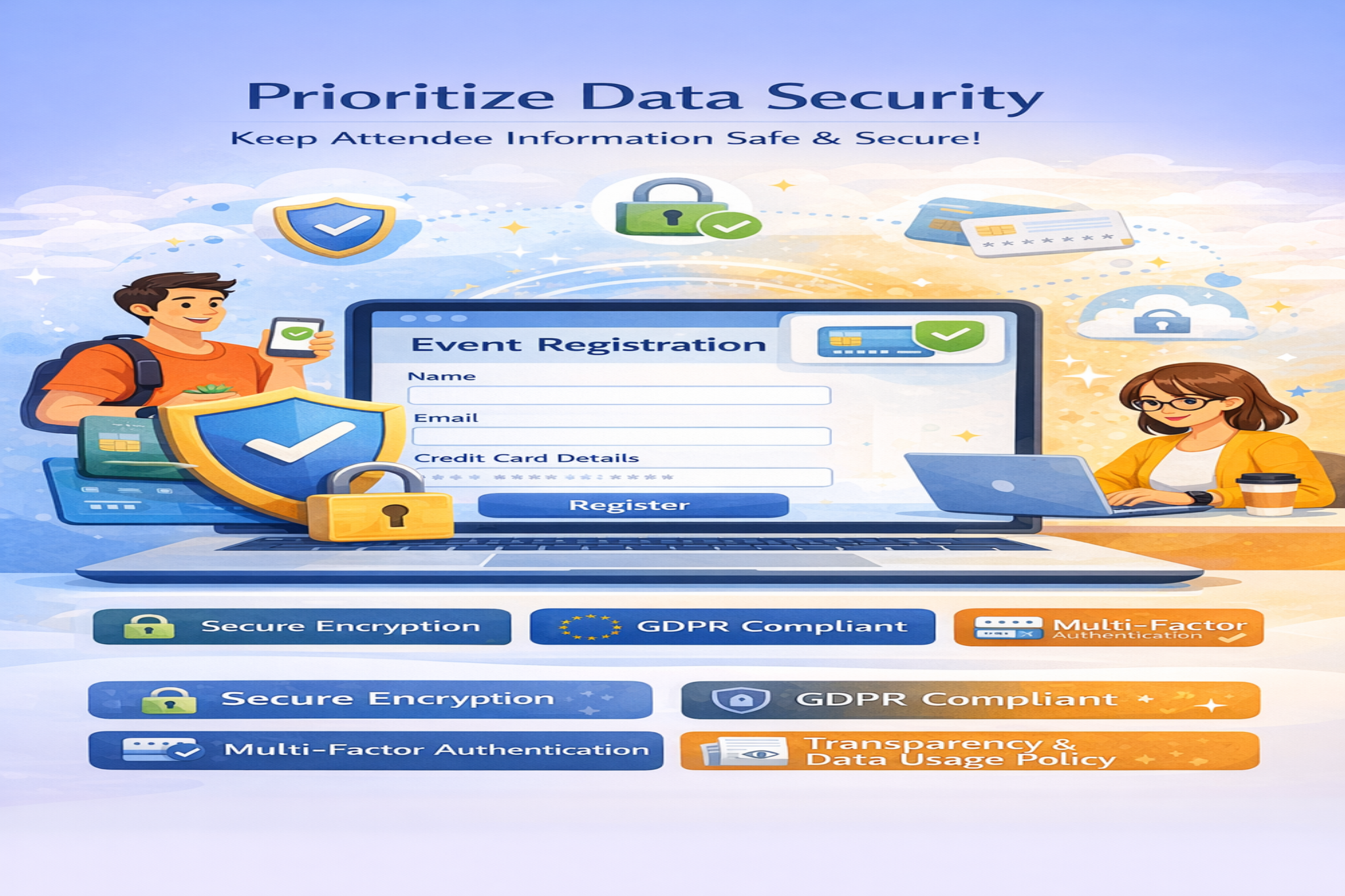
Here are some event registration form hacks related to data security:
- Make sure to create a registration system that relies on secure encryption.
- It must follow the GDPR guidelines.
- Follow multi factor authentication for admin access.
- Mention how you are going to use the personal data of your attendees on your website to maintain transparency.
5. Networking opportunities
The last but not the least registration form hack is to create networking opportunities in your event. Whether you are running a corporate event or an exhibition, networking remains as an area of interest for attendees.

Use matchmaking tools like WP Event Manager’s AI driven matchmaking software that suggests matches to attendees based on their data and areas of interests. This can elevate networking in your events and help you manage everything automatically without obstacles. The best part about this is that you do not have to spend much to add this feature to your registration system as it comes with the Registration add-on of WP Event Manager.
How to create an event registration form
To create an event registration form that will help you utilize the above mentioned event registration form hacks, you need the right tool. We recommend the Registration add-on of WP Event Manager that comes with a huge array of features to ensure a smooth registration experience to your attendees and simplified management for you.
Discover the plugin now !
Wrapping up
We hope that the event registration form hacks will help you drive sign-ups for your events significantly. Besides following these hacks, make sure you purchase the right WordPress tool for the same. This will make the process simpler and management easier.
The post Registration Form Hacks: How to Drive More Sign-ups for Your Events appeared first on WP Event Manager.


0 Commentaires