QR codes have become an inseparable part of modern life. Right from making online payments to event check-ins they have magically transformed the way we access services, complete transactions, and move through experiences with speed and comfort. Similarly, when it comes to events, QR codes have eliminated the chaotic scenes of the registration desk during event check-ins.
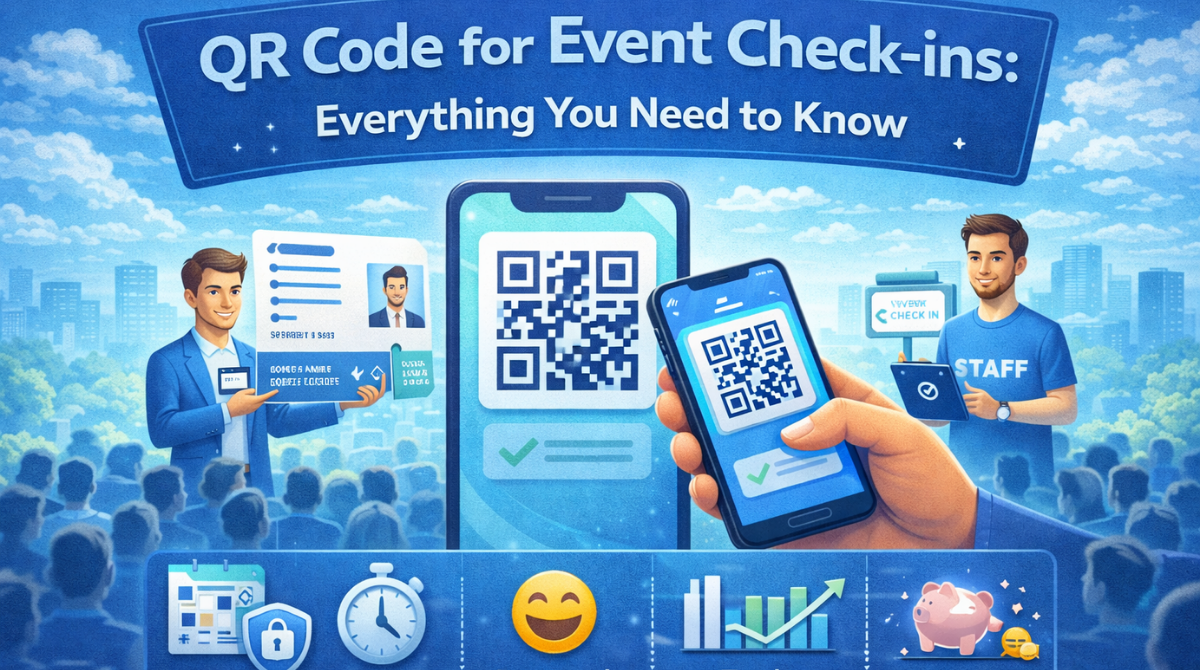
The days of long queues at the event gate, manual registration verification, and misplaced tickets have gone. Attendees now just need to scan QR codes, verify, and enter the event premises without stress. The contactless process is fast, and it lets attendees enjoy the event thoroughly.
If you have not implemented QR codes for event check-ins yet, it is high time you think of utilizing the technology. In this article, we have shared a detailed guide on QR codes for event check-ins along with the tools you can use to create it for your events.
How does a QR code for event check-ins work?
OR codes are the best alternative for the traditional paper tickets. While purchasing tickets each attendee receives a unique QR code in his or her ticket that he or she scans and verifies before entering into an event. The code provides specific attendee details including his name, address, email id, photo, etc that organizers digitally check and mark them as checked in.
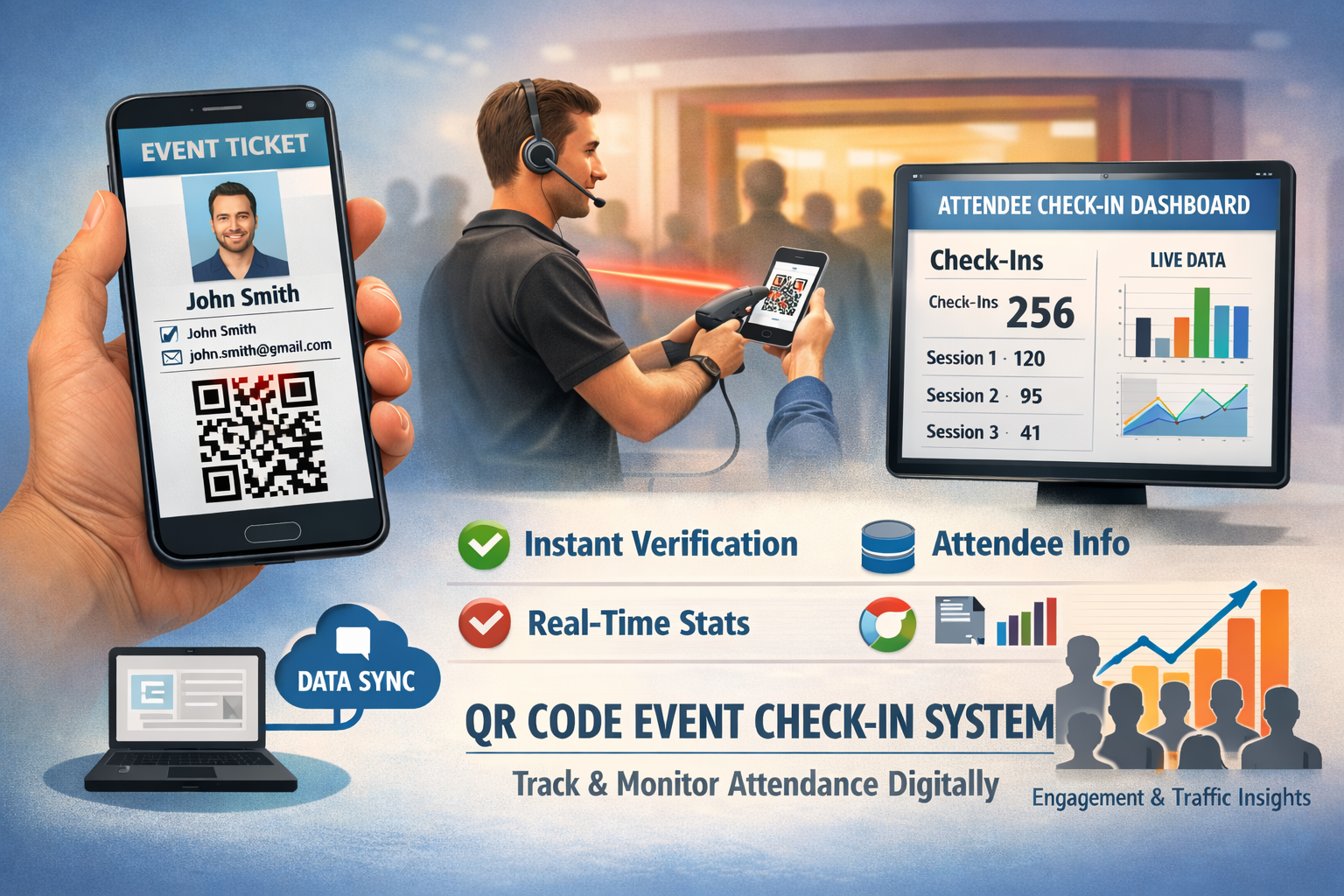
QR codes for event check-ins help event organizers track attendee check-ins in real time. In fact, it is easy to monitor attendance in each session of a multi-session event. It is the game of data that is synced and managed digitally, eliminating manual effort and errors. This gives a clear picture of the engagement level and traffic flow in the event to the event organizer.
Advantages of QR code check-ins for events
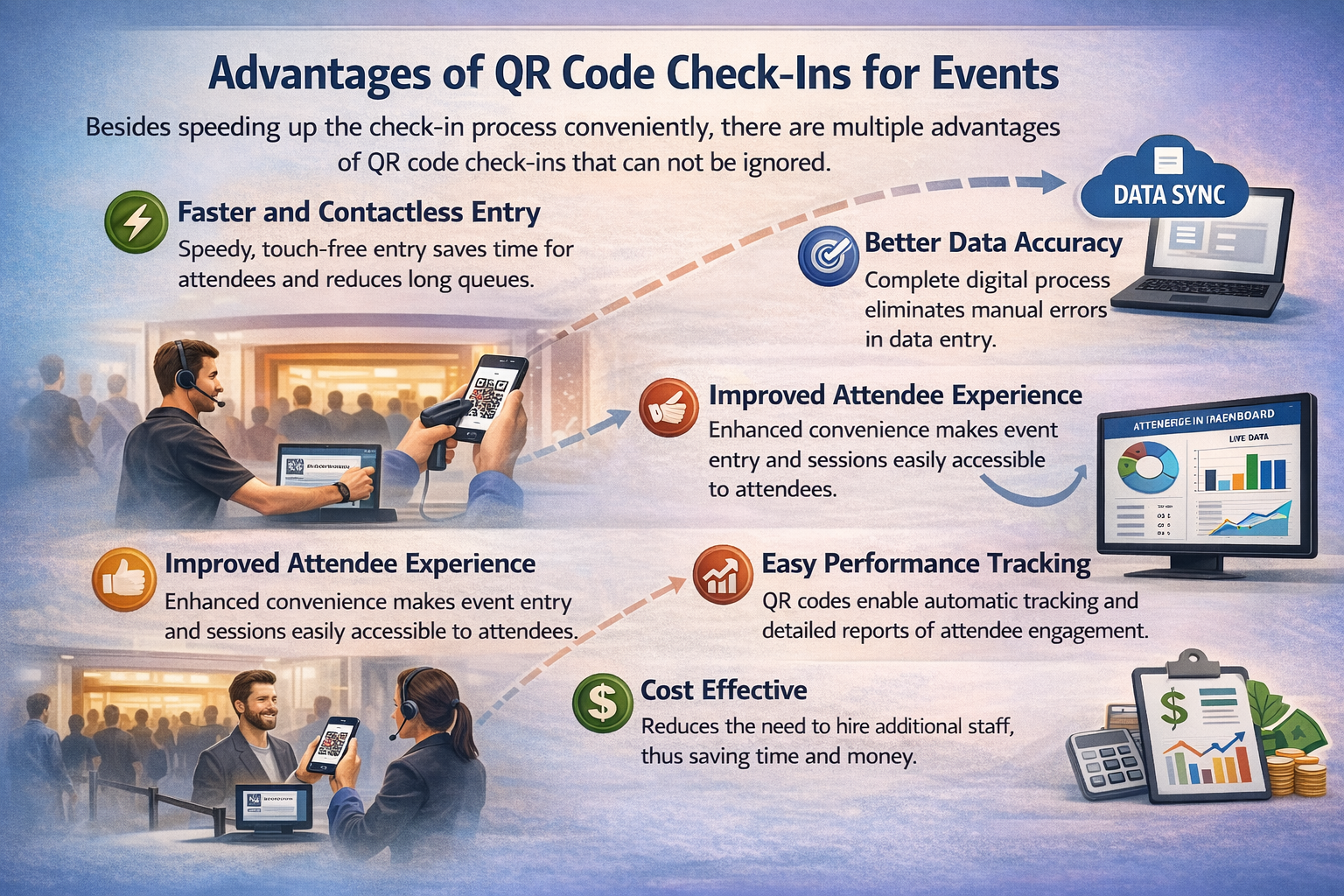
Besides speeding up the check-in process conveniently, there are multiple advantages of QR code check-ins that can not be ignored.
1. Faster and contactless entry
It is a three step process that is not only quick but requires no physical touch. Attendees can avoid wasting time in long queues. Moreover, as it is a digital process, it does not require any physical contact.
2. Better data accuracy
QR code for event check-ins is a complete digital process that does not need any manual effort or human intervention. This means there is no scope of wrong data entry or management, which ensures accuracy.Once the QR code is scanned, the attendee data is automatically synced.
3. Improved attendee experience
Attendees would definitely like it when they do not need to struggle to enter your event; just scanning the QR code is enough to get through. QR codes make event entry and sessions easily accessible to attendees, which automatically improves the attendee experience. Similarly, the data that is collected through the QR code also helps organizers offer personalized event experiences.
4. Easy performance tracking
QR code scanning stores attendee records automatically that helps event organizers create detailed reports to measure performance. No need to hire a team to manually track attendee-ins and each session engagement.
5. Cost effective
As the entire process is tech driven, you do not need to hire a team to look after your check-ins or manually insert attendee data to check session engagement. This ultimately saves a lot of money and effort.
Best practices for QR code check-ins
To fully utilize the strength of QR code check-ins for events, only having the right tools is not enough. You need a well-planned strategy. The right setup not only makes the process each and quick but also creates a lasting impression on audiences.
Here are the best practices for QR code check-ins that you must follow:
1. Prioritize safety
QR codes for event check-ins carry crucial registration or ticket data that can be misused if not encrypted. QR code encryption helps protect the data inside the QR code. It converts the data into a coded format that can not be easily read by anyone. This means if someone tries to misuse the data, he or she would not be able to do that.
2. Scale for all types of events
Adding the QR code check-in facility to your events does not offer a smooth check-in for attendees; you need to monitor the setup and process to ensure that everything runs smoothly.
Consider the following tips:
- Create your event check-in set up based on your event size. For example, when it comes to huge events, add multiple scanning desks and signage to avoid chaos. On the other hand for small size events, stick to one or two.
- Test your scanners properly before the events.
- Have backup scanning devices in case of any technical issues you face during the event.
3. Combine QR codes with event marketing
Do not restrict the use of QR code technology to event check-ins only. You can always combine it with your event marketing materials to maximize its impact.
Here are some tips to use QR codes beyond event check-ins:
- Create QR codes for your registration, event details and other crucial event pages which you want your attendees to visit.
- Attach those codes to your marketing emails, and social media posts to drive attention and encourage people to click. This will help you increase your event registration.
Utilizing QR codes wisely not only simplifies the check-in process but also improves customer journey in your event.
Implement QR codes in your event with WP Event Manager
The first step to implement QR code check-in for your events is to find the right tool. We recommend WP Event Manager’s Sell Tickets add-on that allows you to adopt QR code check-in facility for your events. The Sell tickets add-on is simply a changer for event organizers who want to sell tickets of their events through their WordPress events website. Each ticket contains a unique QR code that your attendees can scan at the event gate and enter after verification.
The software is packed with essential features, and the best part is users get a mobile app absolutely free with this that allows them to monitor the entire process from their mobile phones through their own branded mobile app.
The post QR Code For Event Check-ins : Everything You Need to Know appeared first on WP Event Manager.


0 Commentaires