WordPress is a widely used website development platform that comes with an endless number of benefits. Though it is known for its powerful features and flexibility, it requires timely maintenance to run smoothly. One of the most significant aspects of WordPress maintenance is updating its plugins and themes.
However, website owners often face the question “how often should you update your WordPress plugin?” Well, there is no definite answer to this query as it mostly depends on the plugin you use.
When it comes to the frequency of plugin updates, you need to keep in mind that all types of plugins come with certain limitations. For example, some plugins can go for long without updating, which indicates that their code is stable. On the other hand, rapid-fire plugin updates are not also good as they might create issues and new bugs.
In this article, we have shared a detailed guide on how often you should update your WordPress plugins to keep your site healthy in the long run.
Is Updating WordPress Plugin Necessary?
Starting from eCommerce site owners to marketing managers, all of them face a common question, which is whether their website can work smoothly without an update.
The answer is “Yes”. Updating plugins is crucial for every WordPress site as it prevents website hacks, performance issues, enhances functionality, and tightens security.
Here’s why it is necessary for website owners to update WordPress plugins on regular intervals:
- Security: Hackers always look for plugin vulnerabilities to break into a website. So, outdated plugins on your website make it easy for them. That is why developers release security patches time to time and work on such security loopholes.
- Performance improvement: Plugins can also slow down your website affecting its overall performance. Updating those plugins can easily fix this issue. If you are concerned about your website’s slow loading speed, read our previous guide on identifying WordPress plugins slowing down your website.
- Compatibility: WordPress frequently releases its core updates, which makes it necessary for developers to release their own plugin updates so that their website works smoothly with the new WordPress version.
- Bug removal: Plugin updates also include bug removal. Regular updates ensure that your plugin issues are resolved quickly, and help prevent downtime or unexpected errors.
How Often Should Your WordPress Plugins be Updated?
Generally, well known and reliable WordPress plugins pass through regular updates which cover bug fixes, security improvements, etc with detailed changelog that shows what changes are made.
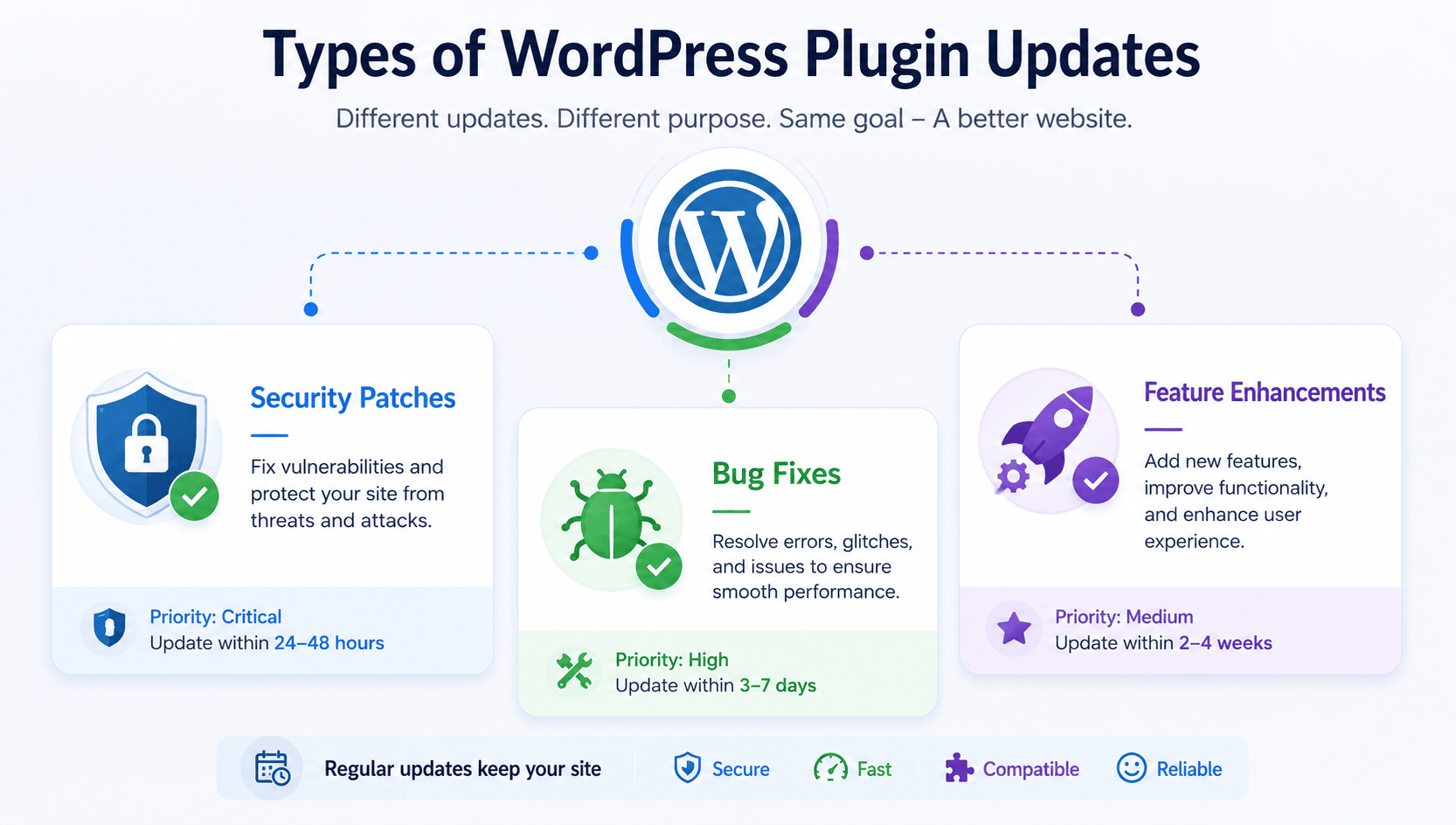
WordPress plugin updates can be done weekly, monthly, or yearly. However, Not all updates carry the same weight. Understanding what kind of update you’re installing helps you prioritize and plan.Not all updates carry the same weight. Understanding what kind of update you’re installing helps you prioritize and plan.
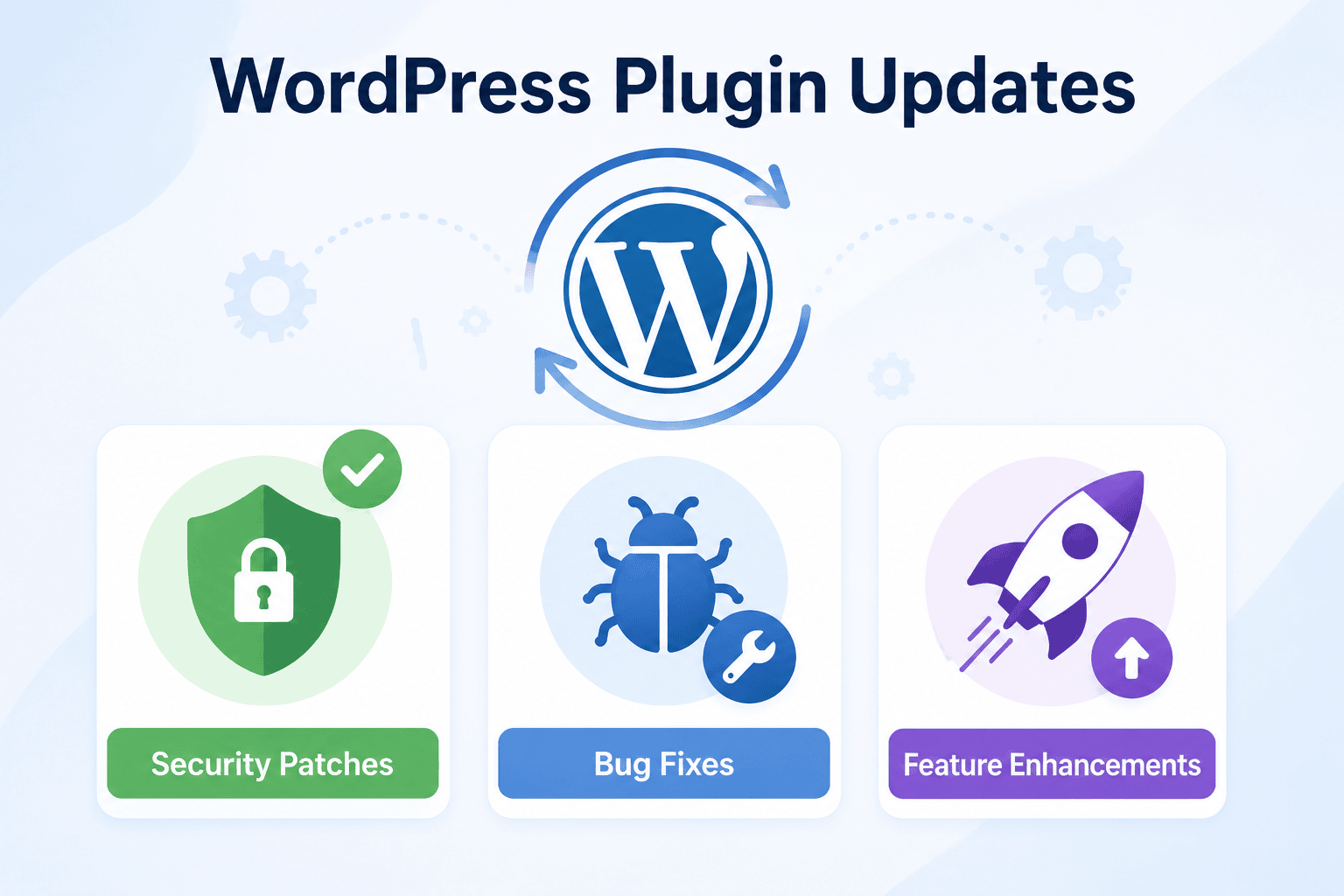
Here are the types of WordPress plugin updates based on which you should determine the frequency of the updates:
1. Security Patches
Security patches are mainly related to plugin vulnerabilities that allow attackers to take unauthorized entry to your website. They are usually termed as “security fix,” “XSS vulnerability,” “SQL injection fix,” or similar language in the changelog. When a security patch is released, update within 24–48 hours, regardless of your normal maintenance schedule.
2. Bug Fix Updates
These resolve known errors, glitches, or unexpected behaviors. If the bug being fixed affects your site, update promptly. If it affects functionality you don’t use, you can wait for your next maintenance window — but don’t delay more than a week or two.
3. Feature Updates
Feature updates means empowering your website with new functionalities or designs or even making changes to the way specific plugins work.The process requires careful management. That is why testing the new features on the staging environment at first is recommended.
Now that you know about the types of WordPress plugin updates, let us discover the right frequency for these updates:
1. Timeline For Critical Bug Fixes: Within 3–7 Days
If a plugin update fixes a bug that’s causing errors on your site, try to do it within the week. If the bug doesn’t affect your site’s current functionality, it can wait for your regular maintenance window.
2. For General Feature Updates: Every 2–4 Weeks
A bi-weekly or monthly maintenance window is recommended for most WordPress site owners. This gives time for the plugin developer community and early adopters to surface any compatibility problems with a new version before you install it on your live site.
3. For “Set and Forget” Sites with Minimal Traffic: Monthly
If you have a simple brochure site with low traffic and minimal plugin dependency, a monthly update routine is acceptable — as long as you’re still monitoring for security advisories.
4. For E-commerce, Membership, or High-Traffic Sites: Weekly
The higher the stakes, the more frequently you should check and apply updates. Transactional sites, membership communities, and heavily trafficked blogs should have a dedicated weekly maintenance routine and always use a staging environment.
Best Practices for WordPress Plugin Updates
Following the best practices for WordPress plugin updates is all about releasing steady, well-documented updates that prioritize security and stability along with changelogs.
- Backup your site: Make sure you backup your site before updating to keep your data safe even if anything unexpected happens.
- Test in staging environment: It is better to update plugins in a staging environment instead of your live site.
- Check after update: Track your most important pages and its functions to ensure that everything runs smoothly.
Wrapping up
Keeping your WordPress plugins updated is not about installing every new release the moment it becomes available. It is about understanding the purpose of each update and applying it at the right time. Security patches should always be your top priority, while bug fixes, feature updates, and major releases can be scheduled as part of a regular maintenance routine.
The post How Often Should You Update Your WordPress Plugins? appeared first on WP Event Manager.





0 Commentaires