WordPress comes with an endless number of benefits, which makes it one of the most popular content management systems in the world. Starting from business owners to bloggers and organizations, rely on this platform to create and manage their websites.
However, WordPress websites require regular maintenance to work without interruption. Even a well-designed website can also fail if maintenance is not done properly. If you own a WordPress site, you must be aware of the common WordPress performance issues that most users face and how to fix them. This will help your website run smoothly.
The best part about WordPress is that these common issues can easily be solved with proper understanding. In this article, we have picked some of these issues and shared ways to fix them so that your site runs smoothly.
Let us dive in.
5 Common WordPress Performance Issues and How to Fix Them
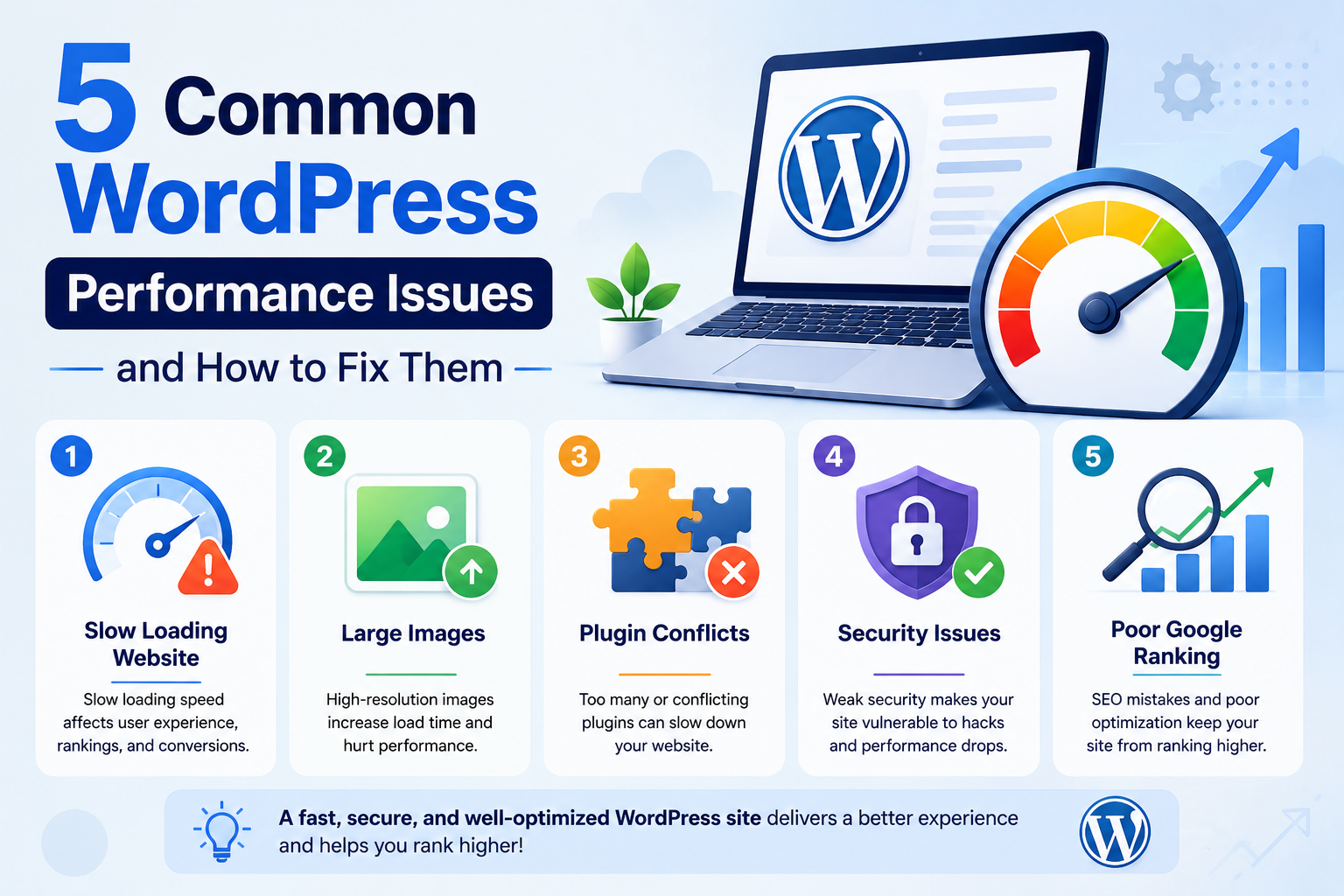
1. Slow loading website
Slow loading speed is one of the most common issues that WordPress users face. However, this could be easily overcome with proper knowledge and strategies. The harsh truth is no visitor likes to stay on a page that takes forever to load. They simply switch to another website that answers their queries. This shows that a slow website not only affects your user experience but also affects ranking and conversions.
What are the causes?
- Unoptimized images.
- Unnecessary or outdated plugins.
- Feature-bloated themes.
- inadequate hosting infrastructure.
How to fix it?
- Remove all unnecessary and outdated plugins.
- Use lightweight, SEO friendly plugins.
- Compress heavy images and convert them into WebP format.
- Use a reliable caching plugin to fast pace loading.
- Select a good hosting.
For more details on website speed, go through our website speed guide.
2. Large images
High-resolution images may look good, but they can also affect your website performance. Such images slow down your website as large files take longer to download. This ultimately damages user experience, especially for mobile users.
Potential causes:
- Uploading images without resizing or optimizing.
- Using heavy-format images like PNG.
How to fix it?
- Optimize your images before uploading them to your website. For example, instead of adding a 4000px wide image file, resize image to 800px. This will allow you to arrange your media library efficiently.
- Switch to the WebP format which is developed by Google to compress images. It offers better compression than JPEG and PNG that helps improve your site speed.
- You can use a plugin to automate the image compressing process.
- Activate the lazy loading feature which delays loading content (such as images, videos, or other resources) until it is actually needed, usually when the user scrolls to that part of the page.
3. Plugin conflicts
Plugins are the biggest strength of WordPress as it enables website owners to add as many features as you want for your website. Unfortunately, these plugins can also become a reason for your website’s poor performance. if this happens with you, you might face broken layouts or functionality issues.
What are the causes?
- Too many plugins are activated
- Outdated plugins are there.
- Installing multiple plugins for the same functionality.
How to fix it:
- Choose light weight plugins like WP Event Manager.
- Keep only the ones that are in use.
- Keep updated plugins only.
Test your newly purchased plugins on a staging environment before using them on your Live site.
4. Security issues
Website security should never be taken for granted. Moreover, hackers mostly target WordPress sites that are not secured, making it essential for owners to take security seriously.
What are the causes of security issues:
- Unused and outdated plugins and themes.
- Predictable and easy passwords.
- Lack of security measures.
- Easy access to major information.
How to fix it:
- Regularly update themes and plugins.
- Install a WordPress security plugin as a secuirty measure.
- Use a strong password.
- Create role based access on your website.
5. Poor Google Ranking
No matter how professionally your website is designed. it may struggle to appear in search results due to SEO mistakes, technical issues, or poor optimization.
The causes include:
- Incorrect indexing setting
- Slow page speed, weak content
- Poor keyword targeting
- Missing metadata
- Broken link
- Lack of quality backlinks
How to fix it:
- Make sure that popular search engines like Google are allowed to crawl and index your website.
- Improve page titles, meta descriptions, and heading structures based on keywords.
- Optimize speed.
- Conduct keyword research and create content that matches user search intent.
- Build a strong internal linking structure and acquire high-quality backlinks.
- Regularly monitor performance through tools such as Google Search Console and address crawl or indexing issues promptly.
Wrapping up
Website performance plays a crucial role in delivering a seamless user experience, improving search engine visibility, and driving business growth. However, issues such as slow loading speeds, poor hosting, unoptimized images, excessive plugins, database clutter, and security vulnerabilities can significantly impact your site’s efficiency. The good news is that most common website performance issues can be identified and resolved with regular maintenance, proper optimization, and the right tools.
By monitoring your website’s health, implementing performance best practices, and addressing problems before they escalate, you can ensure your site remains fast, secure, and reliable.
The post Common WordPress Performance Issues and How to Fix Them appeared first on WP Event Manager.


0 Commentaires